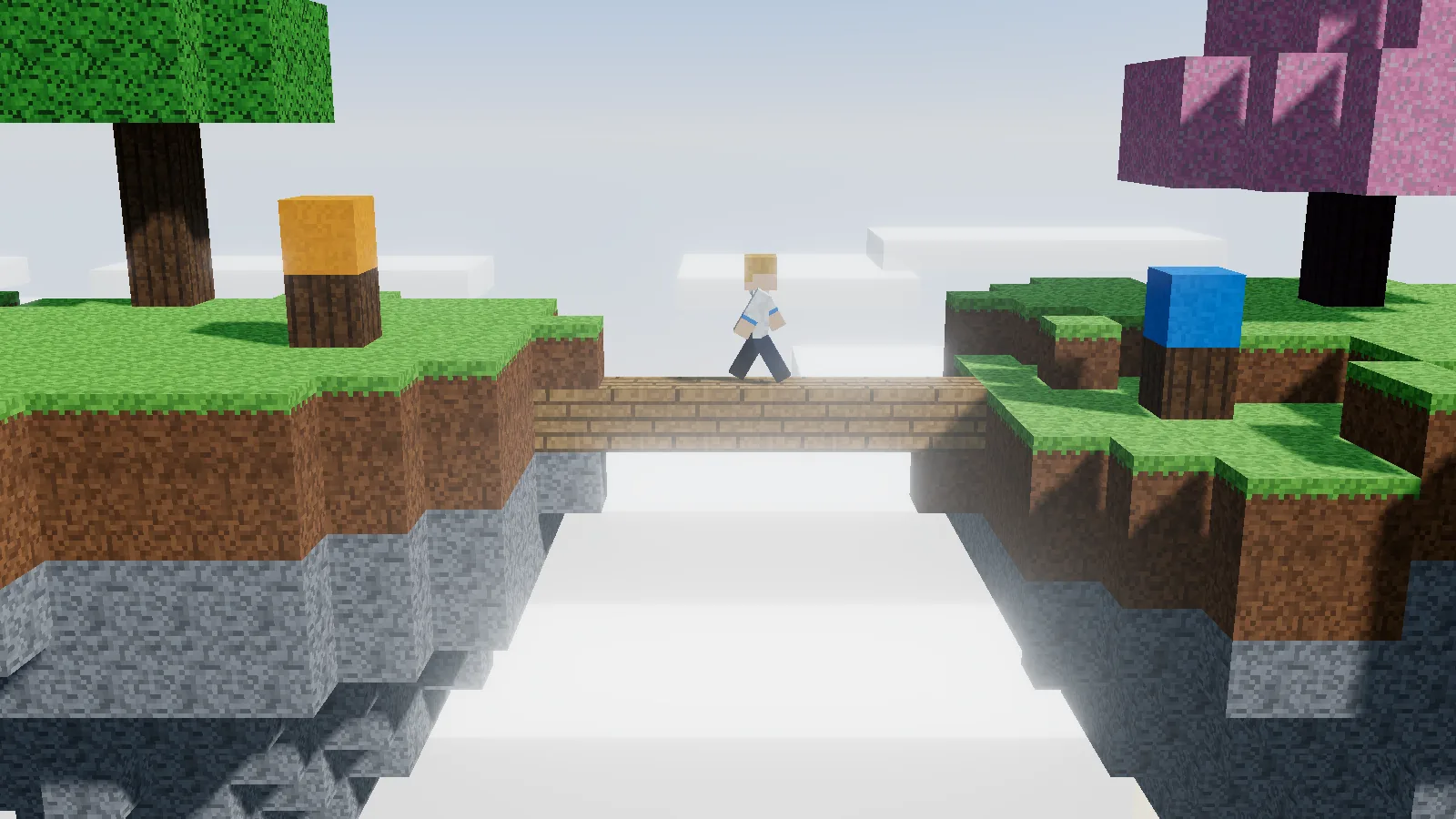
- CurseForge hosts free community Bedrock add-ons, while the Marketplace sells curated content like Actions & Stuff.
- The two can work together: Actions & Stuff for visuals, community add-ons for gameplay.
- Resource-pack order decides which pack wins when two edit the same file, so keep Actions & Stuff on top.
- Avoid stacking a second player-animation add-on. It will override or fight with A&S.
If you play Bedrock, you've probably come across two kinds of add-on: the polished, paid ones in the in-game Marketplace, and the free community ones hosted on sites such as CurseForge and MCPEDL. Actions & Stuff belongs to the first group, and searches for "Actions and Stuff Bedrock CurseForge" usually come from players trying to work out how the two worlds connect.
This guide explains how the Marketplace and community hubs differ, why Actions & Stuff is Marketplace-only, and, most usefully, how to combine community add-ons from CurseForge with Actions & Stuff without breaking either.
Two hubs, two models
The Minecraft Marketplace
The Marketplace is Mojang's official store inside Bedrock Edition. Content comes from approved Marketplace partners, studios such as Oreville that go through Mojang's submission and testing process. Things to know:
- Paid with Minecoins, and tied to your Microsoft account.
- Cross-platform. One purchase works on Windows, Xbox, PlayStation, Switch, Android and iOS.
- Updated automatically when the creator ships a new version.
- Encrypted content that's licensed to your account and can't be edited or redistributed.
- Works on Realms and console, where importing custom files isn't possible.
CurseForge's Bedrock section
CurseForge is best known for Java mods but also hosts Bedrock content uploaded by community creators:
- Usually free, sometimes with optional donations.
- Distributed as files:
.mcpack,.mcaddonor.mcworld, which you open to import into the game. - Updated by the creator, who decides how often to release new versions.
- Open or editable in many cases, depending on the creator's licence.
- Easiest on Windows, Android and iOS. Consoles generally can't import external pack files, so CurseForge add-ons are mostly a PC and mobile thing.
Neither model is better in every way. The Marketplace gives you convenience, cross-platform support and curated quality. Community hubs give you variety, experimental ideas and free content.
Why Actions & Stuff is Marketplace-only
Oreville Studios is a Marketplace partner, and Actions & Stuff is a commercial product. Selling it through the Marketplace gives the studio a way to be paid, a way to deliver updates to every platform at once, and console support that a file upload can't offer.
So any CurseForge page claiming to be "Actions and Stuff for Bedrock" is either a different project using similar words, or a re-upload of the paid pack. The first can be fine; the second is unauthorised and risky. Our CurseForge guide explains how to tell them apart.
Combining CurseForge add-ons with Actions & Stuff
This is the practical part. You can absolutely run free community add-ons alongside Actions & Stuff, as long as you understand how Bedrock stacks packs.
How the resource-pack stack works
When a world has several active resource packs, Bedrock layers them. If two packs provide the same file, such as the player's geometry, a mob's animation or an item texture, the pack higher in the list wins. Packs lower down only fill in files the higher ones don't provide.
Behaviour packs layer in a similar way for their files, such as entity behaviours, loot tables and recipes.
The safe combinations
These usually work well together:
- Actions & Stuff + gameplay add-ons. New furniture, vehicles, magic systems or farming add-ons mostly use behaviour packs and their own new entities, so they don't touch A&S's files.
- Actions & Stuff + block texture packs. A pack that only retextures blocks can sit below A&S. You keep A&S's animations and models and use the other pack's blocks where A&S doesn't provide them.
- Actions & Stuff + UI packs. Interface tweaks rarely overlap with animation files.
The risky combinations
These cause most of the problems players report:
- A second player-animation add-on. Two packs that both rework the player model fight over the same files. Whichever is on top wins, and you can end up with half of one system and half of another, which looks broken.
- Custom player models or skin systems. Add-ons that replace the player geometry can disable A&S's actions entirely.
- Mob-replacement packs. If a community pack changes how a mob looks, it will override A&S's version of that mob when placed above it, or lose to it when placed below.
- Server resource packs. Servers often send their own packs, which load above yours. That's why A&S animations sometimes disappear on third-party servers.
A load-order routine that works
- Put Actions & Stuff at the top of the world's active resource packs.
- Add community resource packs below it, one at a time.
- Load the world and test after each addition: sprint off a ledge, crouch mid-jump, look at a couple of mobs and hold a sword.
- If something breaks, move the newest pack down or remove it. The last pack you added is the usual suspect.
- Keep behaviour packs separate in your head. They're a different stack, and most gameplay add-ons live there without touching A&S.
Experimental toggles
Some CurseForge add-ons need experimental world settings, such as beta APIs or upcoming creator features. Read the description before enabling anything: experimental toggles apply to the whole world and can't always be turned off later. Don't switch them on in an important survival world just to try a small add-on. Make a test copy first.
A sample stack for a survival world
Here's a practical example of a setup that combines both hubs without conflicts. Your choices will differ, but the structure is what matters.
Resource packs, top to bottom:
- Actions & Stuff. Animations, 3D items, mob variants and particles. It goes first so its player and mob files always win.
- A block-only texture pack from CurseForge, for example one that adds connected glass or smoother stone. It fills in blocks A&S doesn't change.
- A UI pack for a cleaner inventory or map screen. It has no overlap with animation files.
Behaviour packs:
- A furniture or decoration add-on that adds new placeable items as its own entities.
- A farming or cooking add-on with new crops and recipes.
What's left out matters just as much. There's no second player-animation pack, no add-on that replaces the player model, and no pack that redraws the same mobs A&S already animates. With that structure you get the community's variety for building and gameplay, while A&S keeps control of how everything moves.
If an add-on you like does include its own mob models, put it below A&S. You'll see A&S's version of any mob both packs cover, and the add-on's own new mobs will still appear normally because A&S doesn't provide files for them.
Diagnosing a stacking problem
When something looks wrong after adding packs, a short routine usually finds the cause in a few minutes.
Symptom: your character moves like vanilla again. A pack above A&S, or a skin system, replaced the player geometry or animation files. Move A&S to the top, or remove the most recently added pack.
Symptom: one mob looks different from the rest. Another pack provides files for that mob and sits higher in the list. Decide which version you prefer and order the packs to match.
Symptom: missing or purple textures. A pack references textures that aren't present, often because it was built for a different game version. Update the add-on, or remove it.
Symptom: the world takes much longer to load. Several large packs together can increase load times and memory use, especially on phones. Remove packs you don't actively need. A&S on its own is far lighter than A&S plus several heavy texture packs.
Symptom: everything broke after a Minecraft update. Community add-ons may not have been updated for the new version yet. Disable them, confirm A&S works alone, then add the others back as their creators release updates.
Importing CurseForge add-ons safely
If you're new to community add-ons, here's the safe way to bring one into Bedrock:
- Download from the creator's own page on CurseForge, not from a mirror.
- Check the file type. It should be
.mcpack,.mcaddon,.mcworldor a.zipcontaining them. Never an.exeor.apk. - Check the supported version. Bedrock changes quickly, and an add-on built for an older version can break after a game drop.
- Open the file. On Windows and mobile, opening it imports it into Minecraft automatically.
- Activate it in a test world before adding it to a long-running survival world or Realm.
- Keep a backup of important worlds before testing new combinations.
Realms and consoles
Realms are where the two hubs differ most:
- Marketplace content works on Realms. As the Realm owner, add Actions & Stuff from the Realm's settings and everyone who joins sees it.
- Uploading custom packs to Realms is generally done by uploading a world that already contains them from a device that supports importing. This varies by platform and isn't available everywhere, so check Minecraft's own help pages for your platform.
- Console players rely almost entirely on the Marketplace, which is one more reason creators like Oreville release there.
The RTX question on Bedrock
Actions and Stuff is available through the Minecraft Marketplace for Minecraft Bedrock.
Because the patched pack is a separate .mcpack, it follows the same stacking rules. It should be at the top of the resource-pack list, with BetterRTX installed, or you'll see purple or cyan textures. RTX on Bedrock is Windows-only, so this route isn't available on consoles or phones. See the homepage download section for details.
Keeping a record of your setup
Once you've found a combination that works, write it down. A short note listing each pack, its version and its position in the stack takes a minute and saves an evening later. When Minecraft updates and something stops working, you can compare against the note instead of guessing. It also makes it easy to rebuild the same setup on a new device or share it with friends on a Realm. Players who run several worlds often keep one note per world, because a creative build world and a long survival world rarely need the same add-ons.
Quick comparison
| Marketplace | CurseForge (Bedrock) | |
|---|---|---|
| Cost | Minecoins | Mostly free |
| Platforms | All Bedrock platforms | Mainly Windows, Android, iOS |
| Updates | Automatic | Manual re-download |
| Realms | Built in | Varies by platform |
| Editable | No (encrypted) | Often |
| Actions & Stuff | Yes, official | No official release |
Common questions
Can I find Actions & Stuff's files on CurseForge to edit them?
No. The pack is Marketplace-only and encrypted. Any editable copy online is an unauthorised extraction.
Will a CurseForge add-on break my Actions & Stuff purchase?
No. Your purchase is safe on your account. At worst, a conflicting add-on hides some of A&S's features in the worlds where both are active. Remove or reorder it and everything comes back.
My friend on Xbox can't install a CurseForge add-on I use. Why?
Consoles generally don't allow importing external pack files. To play together, either stick to Marketplace content, or host the world from a device that supports the add-on, if the add-on and platform allow it.
Should I add Actions & Stuff as a global resource or per world?
Per world is the more predictable choice, because each world's stack is visible in its settings and you can tailor it. Global resources apply everywhere, which is handy if you want A&S in every world, but global packs and per-world packs interact, and it's easier to lose track of what's loaded. If you mix community add-ons, keep A&S in each world's own list where you can see the order. If a feature behaves differently between worlds, comparing the two lists usually shows why.
Is MCPEDL the same as CurseForge?
They're separate sites with similar purposes. The same rules apply: download from the creator's own page, check the version, avoid re-uploads of paid content, and test before using in an important world.
Bottom line
Think of the Marketplace and CurseForge as complements, not competitors. Actions & Stuff comes from the Marketplace and handles how your world looks and moves. Free community add-ons from CurseForge can add gameplay, blocks and tools on top, as long as Actions & Stuff stays at the top of the resource stack and you avoid a second player-animation pack.
For a closer look at the pack's own systems, read how the add-on works. If you're on mobile, the MCPE guide is next.